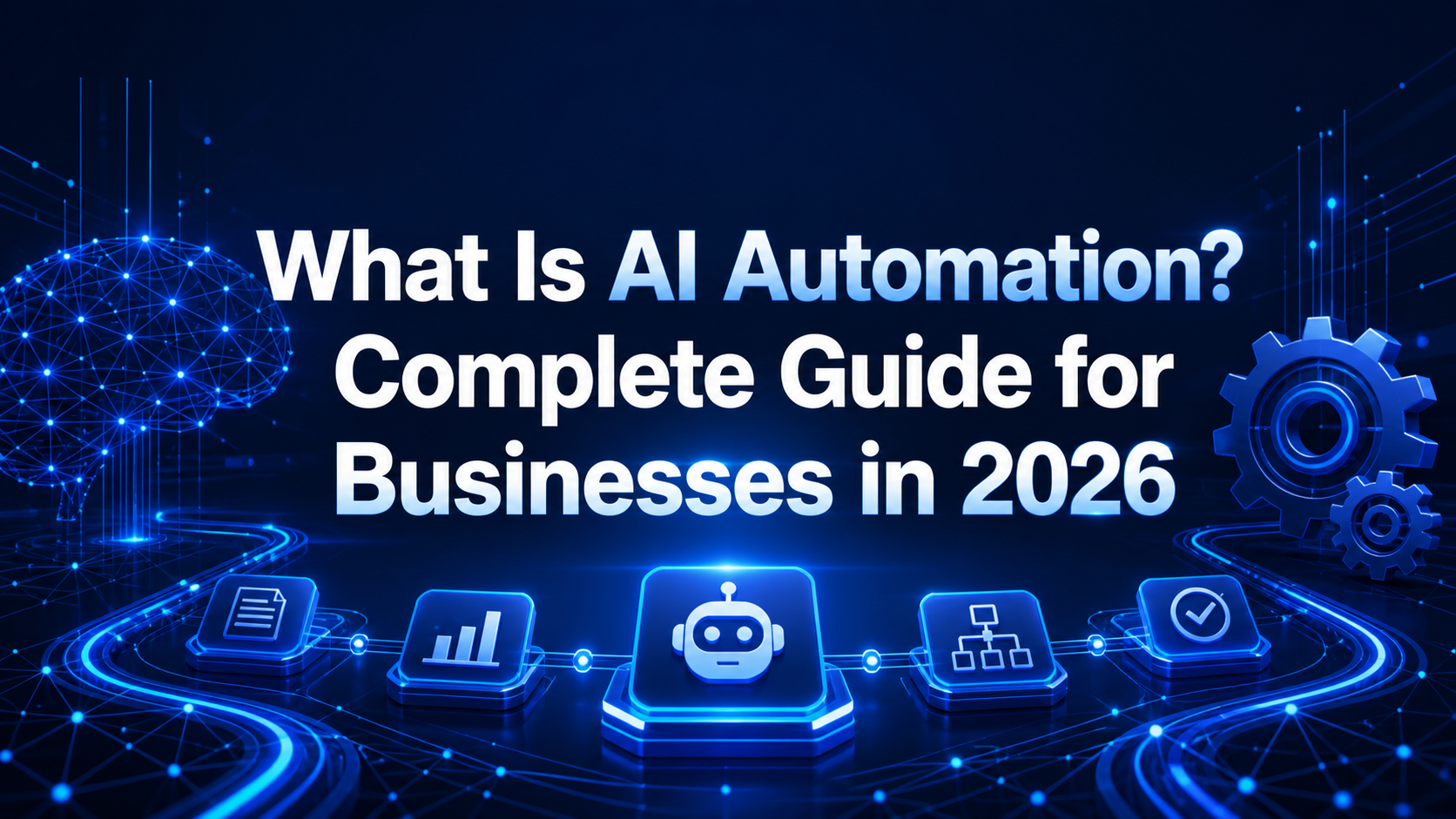
What Is AI Automation? Complete Guide for Businesses in 2026
AI automation combines artificial intelligence with workflow automation to complete work that normally needs human judgment. Traditional automation follows fixed rules: when A happens, do B. AI automation can also understand text, classify information, generate a response, identify patterns, and recommend the next action.
For a business, that difference is important. It means automation is no longer limited to copying data between two fields. A modern system can read a customer message, understand the request, update the CRM, draft a personalized reply, assign the right employee, and record the outcome.
How AI automation works
Most AI automation systems include four building blocks:
- A trigger: a form submission, email, payment, support request, scheduled time, or database update starts the workflow.
- Connected business data: the system retrieves approved information from a CRM, spreadsheet, website, accounting platform, or internal database.
- An AI decision: a model summarizes, classifies, extracts, predicts, or generates content based on clear instructions.
- An automated action: the result is saved, sent for approval, delivered to a customer, or used to start another process.
The best workflows keep humans involved where risk is high. For example, AI may draft a quotation while a manager approves the final price.
Common AI automation use cases
Customer support
AI can categorize tickets, answer routine questions from an approved knowledge base, summarize long conversations, and escalate urgent cases. Customers receive faster responses while agents focus on difficult problems.
Sales and lead management
Businesses can qualify incoming leads, enrich contact records, schedule follow-ups, create call summaries, and alert salespeople when a prospect shows buying intent.
Marketing operations
AI automation supports content briefs, email segmentation, social media repurposing, campaign reporting, and personalized recommendations. Human review remains essential for brand accuracy.
Finance and administration
Teams can extract data from invoices, match records, flag unusual transactions, send payment reminders, and prepare weekly summaries without repetitive copying.
Human resources
Automation can organize applications, answer policy questions, create onboarding checklists, and remind employees about missing documents. Final employment decisions should always receive responsible human review.
Benefits of AI automation
The strongest benefit is not simply speed. It is consistent execution. A documented workflow runs the same way every time, creates an audit trail, and reduces tasks that are forgotten during busy periods.
Businesses may also gain lower operating costs, faster customer response, fewer data-entry errors, better reporting, and more time for high-value work. Results depend on selecting a useful process and measuring a baseline before implementation.
Risks and responsible implementation
AI can produce inaccurate output, expose sensitive data if configured poorly, or automate a broken process. Companies should define access controls, approval steps, data-retention rules, error handling, and an owner for every workflow.
Start with low-risk internal processes. Test with real examples, monitor failure cases, and never allow an unverified model response to make a high-impact financial, legal, medical, or employment decision.
A practical adoption roadmap
- List repetitive processes and estimate their monthly time cost.
- Choose one workflow with clear inputs, outputs, and an accountable owner.
- Map every step before selecting tools.
- Build a small pilot with human approval.
- Measure time saved, error rate, response time, and business outcome.
- Improve the workflow before expanding it.
If you need a structured implementation, explore our custom software development services or contact WeConnect Innovative Solutions to discuss an AI automation roadmap.
Frequently asked questions
Is AI automation the same as generative AI?
No. Generative AI creates text, images, or other content. AI automation connects an AI capability to triggers, business rules, data, and actions so work moves through an end-to-end process.
Can small businesses use AI automation?
Yes. Small businesses often benefit quickly because owners and employees handle many repetitive administrative tasks. A focused workflow can deliver value without a large transformation program.
Will AI automation replace employees?
Its best use is to remove repetitive steps and support employees. Companies still need people for strategy, relationships, accountability, creative judgment, and unusual situations.