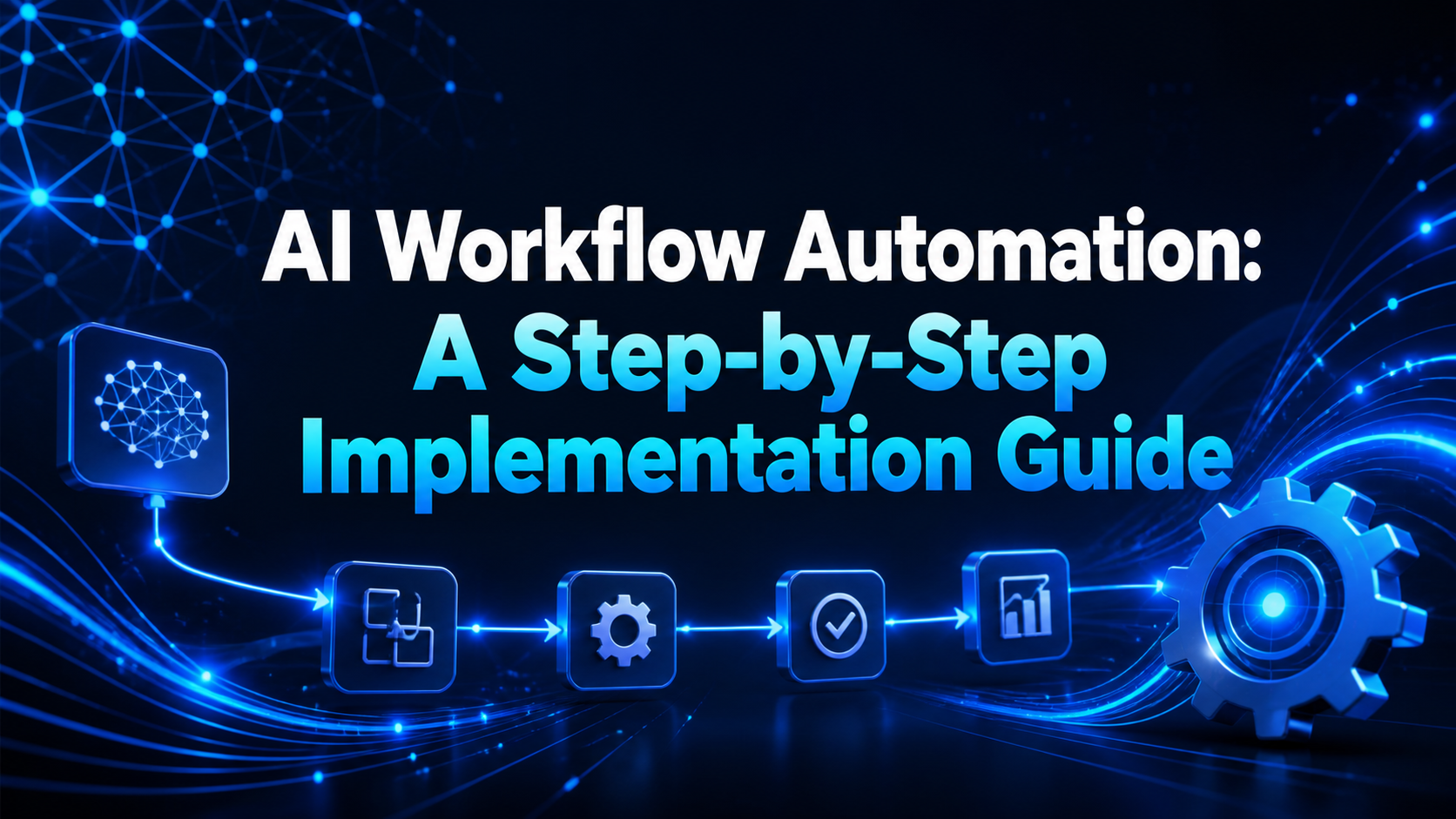
AI Workflow Automation: A Step-by-Step Implementation Guide
Successful AI workflow automation begins with process design, not a tool subscription. When businesses automate an unclear process, they make confusion run faster. This framework helps teams move from an idea to a controlled, measurable production workflow.
Step 1: Select the right process
Create a list of repetitive workflows and score each one for frequency, time consumed, error rate, business impact, data quality, and risk. The best first project is frequent, rules-based, measurable, and low to medium risk.
Examples include routing leads, summarizing support tickets, preparing internal reports, checking form completeness, and sending appointment reminders.
Step 2: Map the current workflow
Write every step from trigger to outcome. Identify who owns the process, which systems hold data, where delays occur, and which exceptions require human judgment. Remove unnecessary steps before building anything.
Define the exact input and expected output. “Improve customer support” is vague. “Classify new tickets into five categories with 90% reviewed accuracy and assign them within two minutes” is testable.
Step 3: Define success metrics
Measure the current baseline and choose a small set of indicators:
- average handling and response time;
- percentage completed without manual correction;
- error or exception rate;
- cost per completed item;
- customer or employee satisfaction;
- revenue or conversion impact where relevant.
Metrics protect the project from becoming a technology demonstration with no business value.
Step 4: Design data and security controls
List the minimum data required. Decide where it is stored, who can access it, how long logs are retained, and whether sensitive information can be sent to an external AI provider. Use least-privilege permissions and keep secrets out of prompts and source code.
Document which actions require approval. High-impact messages, payments, account changes, and decisions about people should not run without accountable oversight.
Step 5: Choose the architecture
A typical workflow includes a trigger, integration layer, AI model, business rules, database or system of record, human approval interface, and monitoring. No-code tools suit common integrations; custom software is better for proprietary workflows, complex logic, strict performance, or deep system integration.
Step 6: Build a small prototype
Use representative test data and build the shortest end-to-end version. Keep AI instructions specific, provide approved context, require structured output where possible, and validate every field before it reaches another system.
Include timeouts, retries, duplicate prevention, and a safe path for errors. A workflow is not production-ready if a failed API call silently loses customer data.
Step 7: Test normal and abnormal cases
Create a test set containing common inputs, incomplete data, unusual wording, duplicates, unsupported requests, malicious instructions, and provider outages. Review accuracy as well as tone, privacy, latency, and cost.
Step 8: Launch with human approval
Run the workflow in shadow mode or require approval during the first phase. Compare automated output with human decisions, collect exceptions, and improve rules. Train the employees who own the process and document how to pause or override it.
Step 9: Monitor production performance
Track success rate, model errors, integration failures, usage cost, processing time, and manual corrections. Assign a named owner and review performance regularly. AI behavior and business data can change, so launch is the beginning of maintenance.
Step 10: Improve and scale
Once the pilot meets its metrics, expand carefully. Reuse secure components, documentation, logging, and approval patterns. Do not connect every process at once; scale based on verified value.
Read our complete AI automation guide for core concepts. For a custom system, review custom software development or contact our team.
Frequently asked questions
How long does AI workflow automation take?
A simple pilot may take days or weeks. Complex integrations, poor data quality, custom interfaces, security reviews, and compliance requirements increase the timeline.
Do AI workflows require coding?
Not always. No-code platforms handle many common processes. Coding becomes useful for proprietary systems, advanced validation, custom user experiences, and scale.
How do you prevent AI automation errors?
Use constrained tasks, approved data, structured outputs, validation rules, test sets, human approval, monitoring, and a safe fallback for every failure.